
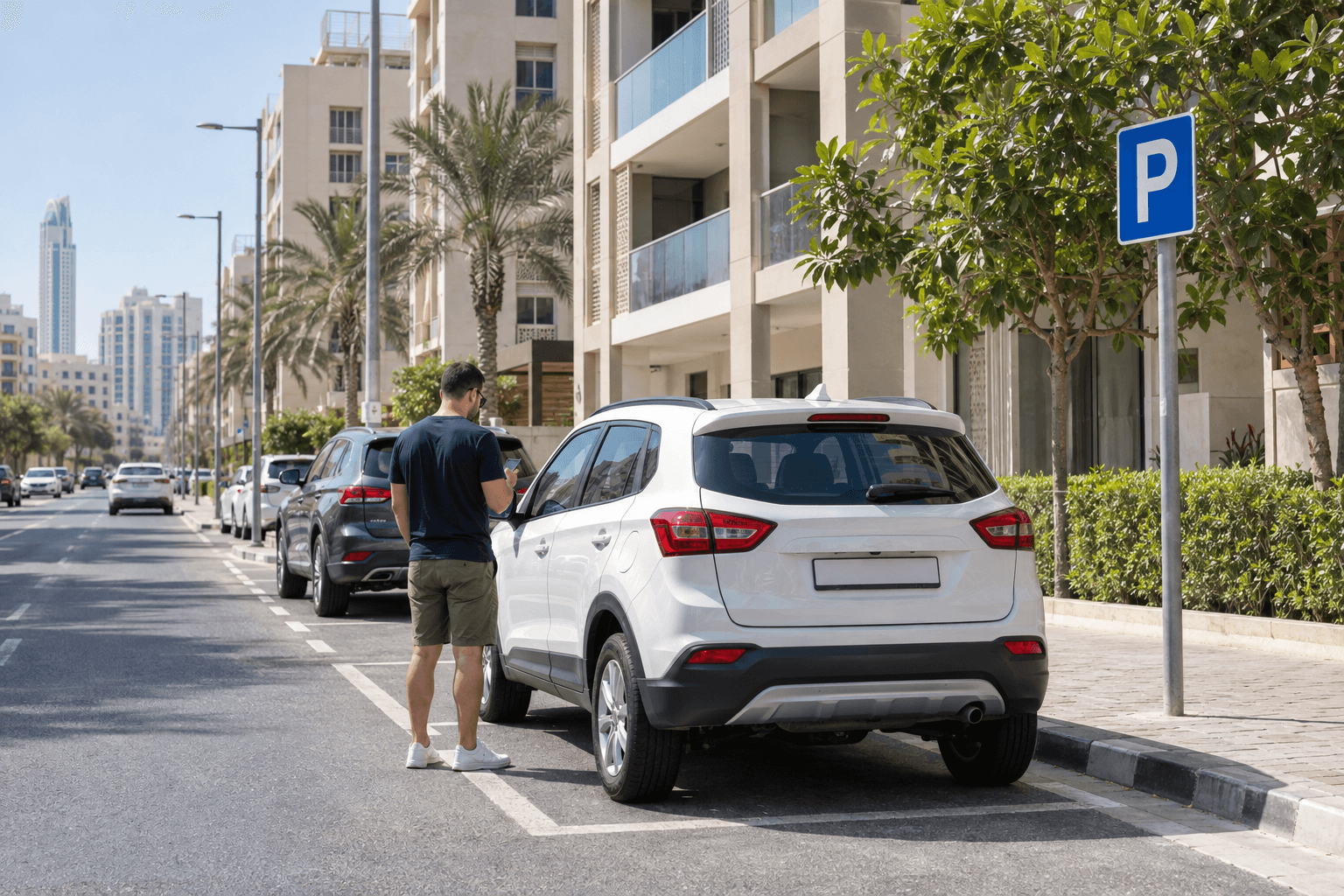
How to Pay Parking in Dubai: Rental Car Guide
By LetsGo Car Rental Team
To pay parking in Dubai with a rental car, check the car's actual plate and your parking zone, choose an accepted payment method, then verify the successful ticket before walking away. SMS, WhatsApp and official parking apps are available, but the correct details matter more than which method you choose.
Official payment guidance checked 26 October 2026. Follow the signs and current operator instructions for the specific space you use.
Before paying: check the rental car and the parking sign
At collection, save a clear photo of the registration plate. If the rental company later replaces your car, update any saved vehicle details before your next parking payment. A familiar model or colour is not enough to identify the vehicle in a payment app.
- Read the complete plate: check its issuing emirate, code and number against the car you have.
- Identify the operator: a hotel, mall or private building may have its own payment instructions. Start with the sign at your space.
- Record the exact zone: include its letters and numbers, rather than relying on a saved zone from an earlier stop.
- Check the stay: read the charging period and any maximum duration, then allow time to walk back.
For a plate from another emirate or a different vehicle category, use the selectors in Parkin's official SMS guide. Do not improvise a prefix or copy the Dubai example below unchanged.
How to pay Dubai parking by SMS
For a standard Dubai private plate, combine the plate code and number, then add the zone and duration with spaces. Send the message to 7275. For illustration only:
A12345 123A 2Here, A12345 is a fictional plate, 123A is an example zone and 2 means two hours. Replace every detail with your own. Parkin lists UAE Etisalat, du and Virgin Mobile subscribers for mParking and charges 30 fils per sent SMS in addition to parking. Ensure sufficient mobile balance and retain the confirmation containing the virtual ticket. See Parkin's current SMS instructions and terms.
Make the final comparison slowly: the plate on the car, the sign beside the bay and the ticket on your phone should agree. If you regularly use two cars, check which plate the payment relates to every time.
How to pay parking through WhatsApp
RTA publishes its Mahboub WhatsApp parking service at +971 58 800 9090. Its instructions use the plate, zone and duration format, and state that this avoids the 30-fils charge associated with regular SMS payment. Open the contact through RTA's official WhatsApp parking page, then follow the conversation's payment steps.
Check the resulting parking confirmation rather than assuming that a sent message means the transaction finished. Keep your phone online until the process is complete, and save the receipt with your trip records.
Pay with the Parkin app or official website
RTA also lists the Parkin app and RTA Dubai app as payment channels on its parking services page. An app or website can be useful when you prefer reviewing the vehicle and charge on screen.
- Open the official service and select parking payment.
- Enter the zone from your sign and select or add the actual rental vehicle.
- Review the requested period and payment summary.
- Complete payment and check the ticket's details and expiry.
The Parkin payment page separates parking details, vehicle selection, summary and payment method. Its vehicle selection includes an “Other” section. Do not assume a vehicle previously saved in your account is the rental car outside.
Parkin's parking FAQs confirm guest payment without registration and list card, Apple Pay, Google Pay or SMS options. Use the choices actually offered for your transaction; you do not need to rely on an overseas SIM supporting local SMS parking.
How much does parking cost?
There is no single Dubai parking rate that fits every stop. Parkin distinguishes standard and premium zones, peak and off-peak use, and event pricing in its variable-tariff FAQs. The complete zone code matters when checking the charge.
Review the sign and current payment total before confirming. Check the actual location for overnight, Sunday and holiday arrangements rather than assuming every car park is free at the same time. Keep a separate parking allowance in your trip budget; comparing only a car's daily rental price can hide the cost of repeated paid stops.
What if payment fails or the ticket has the wrong details?
If a screen shows an error or you cannot find a successful ticket, check your transaction history and use another accepted official payment method if necessary. A message in your sent folder or a pending payment screen is not enough evidence to leave the car unattended.
Parkin says a purchased ticket's vehicle and zone cannot be changed, although its duration can be extended. Its FAQ lists renewal through the app, SMS and WhatsApp. Follow the renewal instructions and confirm the new expiry; do not assume an extension corrects the wrong plate or location. See Parkin's parking-information FAQs.
For a disputed payment, preserve the receipt, time, plate details and a photo of the sign. Contact the operator through its official support channel and tell the rental company if the issue could affect your booking. Do not discard the evidence after returning the car.
Keep parking separate from the rental agreement
Ask at handover how parking charges, fines and any administration charges are handled. If someone says parking is included, clarify which locations, dates and payment arrangements that covers. Do not assume a rental payment automatically creates a valid parking session.
For a longer stay, ask your hotel or accommodation about its own parking before relying on street spaces each evening. If considering a parking subscription, confirm eligibility, coverage and what happens if your rental plate changes. Compare your transport budget with our monthly rental options and guide to the complete rental cost. For toll billing, read the separate Salik charges guide for rental cars.
Frequently asked questions
Which plate should I use for a rental car?
Use the plate on the car you are currently driving. Check the issuing emirate and code as well as the number; update saved details after a replacement vehicle is supplied.
Can I pay now and check the confirmation later?
Check it before leaving the car. Resolving a failed payment or wrong vehicle immediately is more practical than trying to reconstruct the transaction after your appointment.
Who handles a parking charge that arrives after the rental?
Ask the rental company for the charge breakdown and match it against your rental dates and saved receipts. The settlement process and any agreed administration charges depend on your rental agreement; this guide does not set those terms.
Choose the car, then plan where you will park
Browse LetsGo cars listed up to AED 300 per day, then check parking arrangements at your accommodation and regular destinations. A suitable car, a clear rental quote and a workable parking plan make the overall budget easier to manage.